
The Linux desktop has made great strides. Saying I’m impressed is an understatement.
Years ago I tested numerous Linux distributions. I first began experimenting with the open source operating system—which competes with Windows and macOS—back in the early 2000’s. Fedora, Red Hat and SUSE were among the platforms I tried.
At the time, though, most every distribution lacked full compatibility. For example, after loading the OS, I frequently needed to locate or try creating my own driver for my HP laptop’s trackpad or its Linksys WiFi PC Card. The experience was frustrating.
If my recent experience installing Linux Mint on a Dell laptop is any indication, the open source crowd—so called due to the community making its programming code freely available—has made tremendous strides. Downloading and installing an ISO image proved a breeze. Mint’s installation routine, complete with the “Cinnamon” desktop environment, properly identified and loaded software drivers for every component. For the first time, the Linux install routine didn’t send me on a tiresome chase locating compatible audio, wireless mouse, graphics card or other drivers.
Instead, Linux Mint just worked. Honestly, the experience reminded me more what it’s like deploying a new Mac than a Windows machine. And to be clear, that’s a compliment.
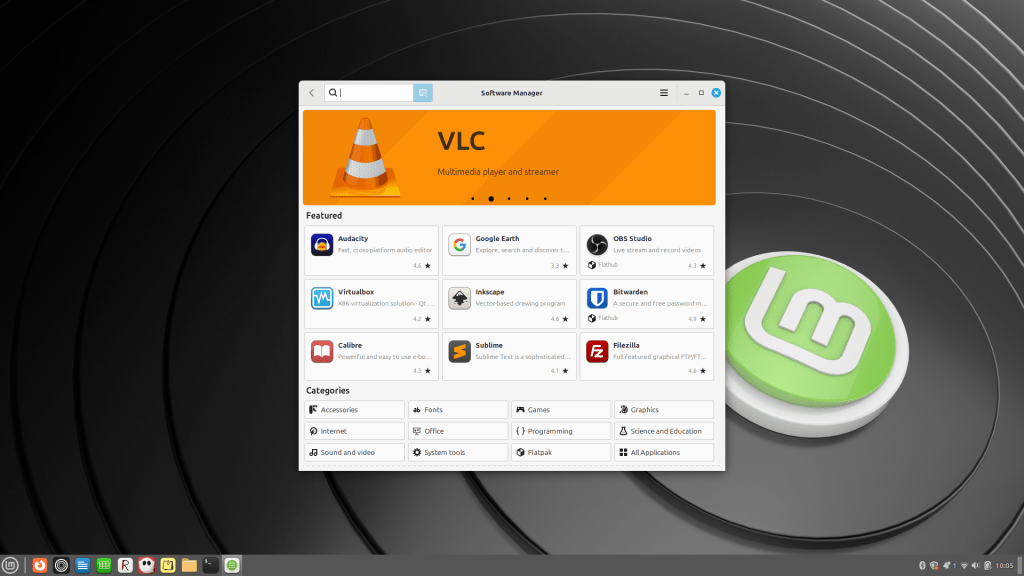
Better yet, tracking down compatible applications proves simple and straightforward, too. Thanks to Mint’s Software Manager—now a common Linux feature—locating and installing text and Markdown editors, word processing programs, spreadsheet applications and utilities requires only a few clicks.

Updating system and application software is simple, too. Mint’s Update Manager automatically checks for updates and requires only a few clicks, beginning with an Install Updates button, to complete the process.
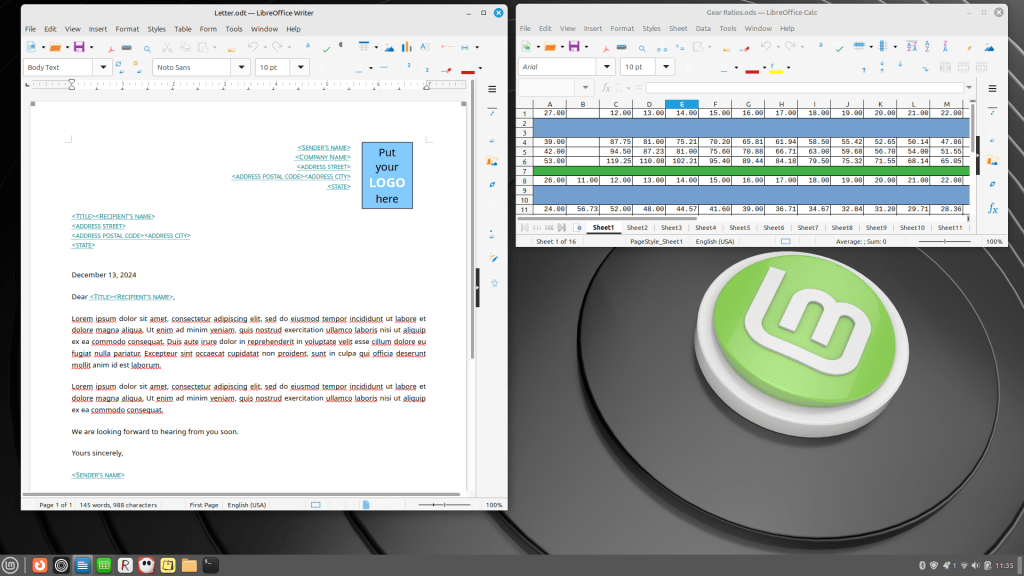
Best of all, even though I chose to run Mint on a Dell boasting only an Intel Core i5 chip with 8GB RAM and a 512GB SSD, the system performance is impressive. In fact, the OS and corresponding apps—such as the LibreOffice productivity suite, the distraction-free ghostwriter Markdown app and the simple ReText editor—simply fly.
For these reasons, I recommend checking out Linux Mint if you are considering using the open source OS.



 Erik Eckel
Leave a comment